
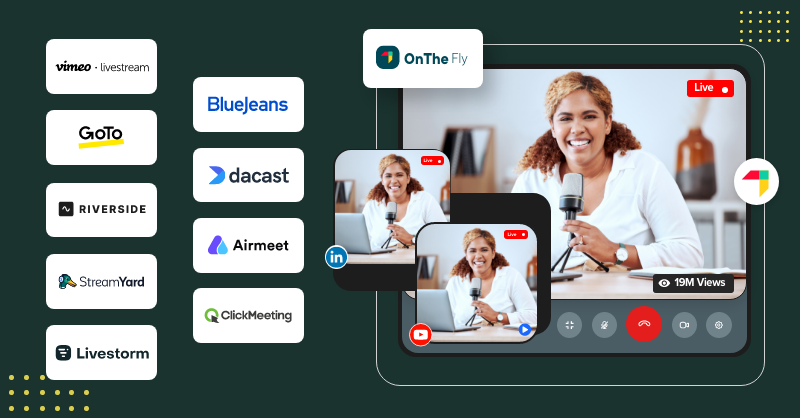

Can you imagine how mundane it is going to be for your audiences if there are no interaction capabilities in your choice of webinar hosting platform? Gosh! You will never get that lasting impression on your videos if you don’t engage them.
So, what can you do to make your slick presentations a spectacle? If you ask me, I would say to try some of the best webinar software that I’ve listed in the piece below.
Well, they are not going to educate you on how to host a webinar, but they will surely give you a platform to redefine your engagement and lead generation stats.
And yes, those platforms act as that backstage in helping both expert creators and rookies shine. Ready to take off? Fasten your seat belts, and here we pull the lever!
Table of Contents
What is a webinar platform?
A webinar platform is a software application for creators and businesses to host online conferences, live webinars, workshops and seminars.
Besides giving recording and hosting options, some platforms offer tools like Q&A sessions, live polls, reminders, real-time chats, and much more for boosting audience engagement.
Plus, they serve a variety of purposes, like marketing products, conducting company or business meetings, training sessions, educational guides, sales presentations, and more.
Now, let us focus on why one should use a webinar platform for an electrifying narrative experience.
Reasons to use an online webinar platform
Below is a list of reasons to use an online webinar hosting platform:
- Customer Support: Webinars can be greatly used in the support domain to help customers get their queries resolved.
- Product Explanation: If you need to explain a product or demonstrate a service to audiences, then webinars can be used for this scenario.
- Virtual Meetings: Webinars can also be used to host virtual meetings or trade shows online to bring in customers from any part of the world.
- Business Training: One can make use of webinars to train employees on specific topics, thereby eliminating in-person officials.
- Bringing in Leads: You may use webinars to display a product, teach about its importance and benefits, and bring in valuable customers to your base.
And there are several more.
What are the benefits of using webinar software?
Webinar platforms are not merely tools; rather, they are the backbone of a successful engagement and lead generation portfolio. So now, we will see what else it offers to creators.
- Improved sales: Achieve this by generating leads through webinars
- Increased customer satisfaction rates: offering support to customers when they are stuck at a point.
- Greater compatibility: webinars are compatible and can be accessed via any device.
- Join from anywhere: Due to virtual meetings, customers can join from anywhere.
- Money & time savior: As meetings and sessions are done online, in-person meetings are not required, thus saving time and money.
- Improved engagement: As some webinar tools come packed with engagement capabilities like Q&A sessions, live polls, and chats, they raise the interaction levels within the app.
Now that you know why you should choose an online webinar platform, let us see the available options in the market to help you choose the right platform.
Best 10 Webinar Platforms For Creators & Businesses
Here is a list of the top 10 webinar hosting platforms to take your audience engagement level to the next level. Though we have handpicked 10 different platforms for you, we suggest you check which of the platform’s merits and pricing match your needs.
1.OnTheFly
A Top Webinar Platform To Attain Real Results
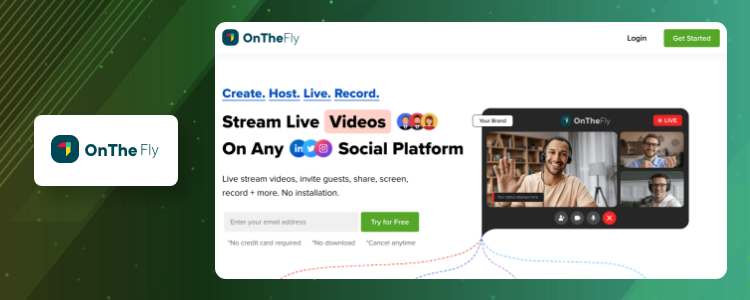
OnTheFly is the most versatile webinar platform in the global industry and redefines the webinar hosting process.
Whether you are a professional content creator or a budding star in this field, you can surely elevate your audience engagement ratio far and wide with high-quality video streaming.
Oh, wait! These are just the starters!! The main highlights are:
- Real-time interaction capabilities to engage with viewers with live chats, Q&A sessions, comments, and more.
- Co-hosting with up to four guests in webinars.
- Streaming content to multiple social media platforms and websites at the same time.
- Allowing viewers to record videos and watch them at their convenience.
- Enhancing streams with visual effects and background images. There are more!
What are the platform’s key takeaways?
- Stream links
- Inviting guests
- Overlays
- One-click recording
- Multistream platform
- Vibrant chat themes
- Full HD recording
What are its merits?
- Quick to set up in 5 minutes.
- No installation or download is required to use OnTheFly.
- Has a recording option to save streams.
- Platform-compatible
What makes them short amongst others?
- OnTheFly’s mobile app is still on the roadmap.
How much are they priced?
OnTheFly provides both free and monthly subscription plans to users. To learn more about its pricing tags, reach out to their sales team.
2. BlueJeans
A Platform That Boosts Connections Through Webinar Streamings

BlueJeans webinar hosting platform is for those who have difficulty understanding video streams. Because they come with an automated closed-captioning option for webinars that makes all attendees understand the presentation.
Further, this cutting-edge software breaks all the barriers or drawbacks of a normal webinar platform by launching interactive tools, streaming live content to Facebook, pausing the broadcast, implementing live chats, and more.
What are the platform’s key takeaways?
- Browser meetings
- Content sharing
- Recordings
- Virtual backgrounds
- Calendar synching
What are its merits?
- Automated captioning is included even in the basic plan.
- No installation or downloads are required.
What makes them short amongst others?
- You must repurchase or close your BlueJeans account to upgrade or downgrade plans.
How much are they priced?
BlueJeans comes to users at $9.99 per month per host.
4. Dacast
The Most Secured Video Hosting Solution
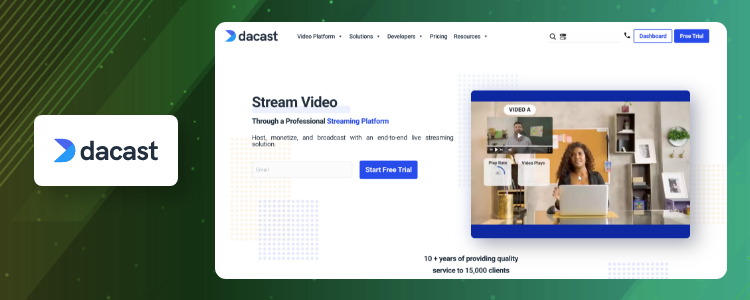
Dacast stands as one of the best online webinar platforms for professionals who wish to showcase their skills to audiences and draw money through live streaming sessions.
With this platform, one can make use of a 14-day free trial and 24/7 customer support. And pre-record videos first and then host to audiences.
What are the platform’s key takeaways?
- Live and on-demand webinars
- 24/7 tech support
- Video conferencing tools
- 14-day free trial
What are its merits?
- Easy UI with great customization options.
- Analytics and secure video hosting capabilities.
What makes them short amongst others?
- Does not have a free plan.
- Requires integration with third parties to edit videos.
How much are they priced?
Dacast offers flexible pricing options with their base plan starting from $39/month.
5. Airmeet
Elevates Hosting Experiences Forever
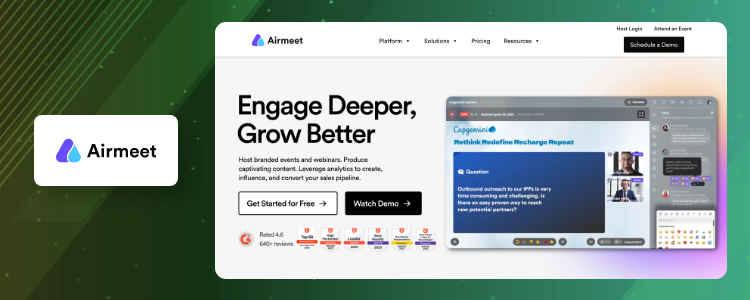
Airmeet stands as the best webinar platform to date for content creators who are looking for interaction, engagement, and audience reach on your webinars.
Plus, this all-in-one software application is built considering prospects in mind and how to turn them into potential customers. To achieve this, the platform has features like polls, Q&A sessions, games, quizzes, and more.
They also let you brand the platform via whittling and customization options.
What are the platform’s key takeaways?
- Live chat
- Analytics
- Speaker access and controls
- Attendee reports
- Advanced reporting
What are its merits?
- Supports inviting guests to platforms
- Aids integration with sales and marketing tools
- Supports up to 500 attendees in a single webinar session
What makes them short amongst others?
- Comparatively expensive than the other competitors.
How much are they priced?
Airmeet offers two pricing packages for mid-sized and large businesses. Of which the base plan costs $500 per month.
6. ClickMeeting
The Best Webinar Platform For Stronger Connections
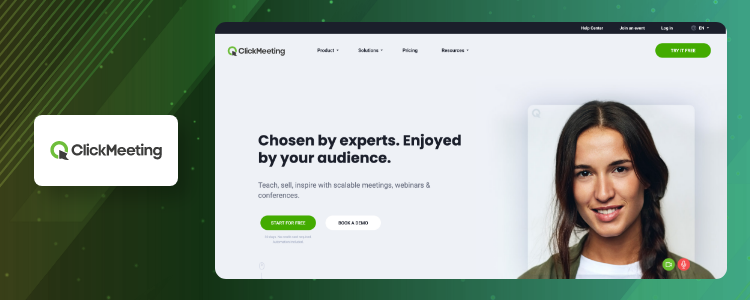
Did you know that Click Meeting is chosen by experts as it helps them to inspire audiences with high-quality video streams, webinars, or conferences?
Well, yes they do it and to our surprise, they have covered over 173,967 attendees in the whole year. Which seems to be a great choice right?
Plus, with Click Meeting, you may conduct product demos and marketing, training sessions, business meetings, online events, and collaborations with ease.
What are the platform’s key takeaways?
- Breakout rooms
- Video conferencing
- Screen sharing
- Virtual events
- Live and on-demand webinars
What are its merits?
- Offers tons of features that can be tailored to each needs.
- It is less expensive than its peers.
- And they have a very helpful technical support team
What makes them short amongst others?
- Meetings cannot be closed by the presenter and only the admin has control over it.
How much are they priced?
ClickMeeting offers flexible pricing solutions along with free trial. Their base plan starts from $26 per month.
7. LiveStream
Where Seamless Recording & Livestreaming Happens
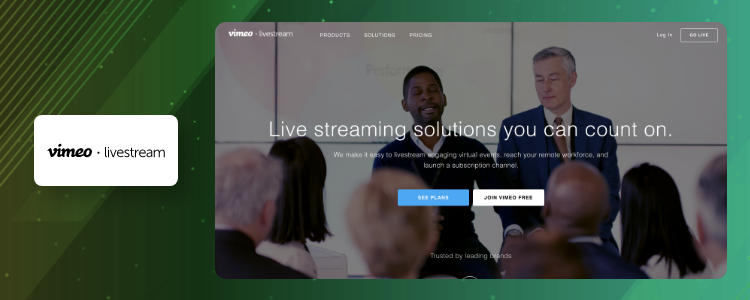
Created by Vimeo, Livestream is a webinar hosting platform that was exclusively built to host conferences and business meetings. Along with this, the tool also helps creators with interaction capabilities to help audiences engage in the best way possible.
The recorded streams or live ones can be broadcast to multiple social media platforms at a time. Livestream also gives flexible streaming options.
What are the platform’s key takeaways?
- Video editing graphics and tools
- Multiplatform sharing
- Video management tools
- Diverse streaming capabilities
What are its merits?
- Offers multistreaming option and various other interaction capabilities
- It is easy to use
What makes them short amongst others?
- Needs a stable internet connection
How much are they priced?
Livestream offers three pricing tiers, but has not mentioned the fares on their website. So, you must reach out to their sales team.
7. GoTo Webinar
An Easy-to-use Webinar Service
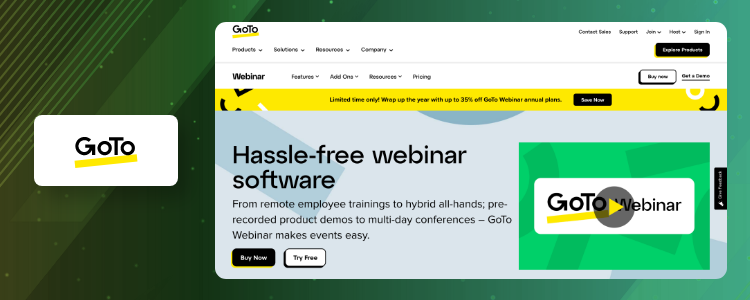
Want a platform to brand your webinar services or grow your audience base? Then it has to be GoToWebinar that comes as a super-easy tool for creators around.
It offers great customization options on video hostings and supports recording videos to draw millions of views.
What are the platform’s key takeaways?
- Brand customization
- Event handling
- Templates for webinar sessions
- Webinar promotional activities
What are its merits?
- Source tracking and live streaming options are available besides hosting webinars.
- It is easy to use and a stable platform.
What makes them short amongst others?
- Free trial is available only for a week.
- The lite plan does not have paid webinar options.
How much are they priced?
GoToWebinar applies four different pricing tags with their lite plan starting from $49/month.
8. Riverside
A Platform That Elevates Webinar Experiences
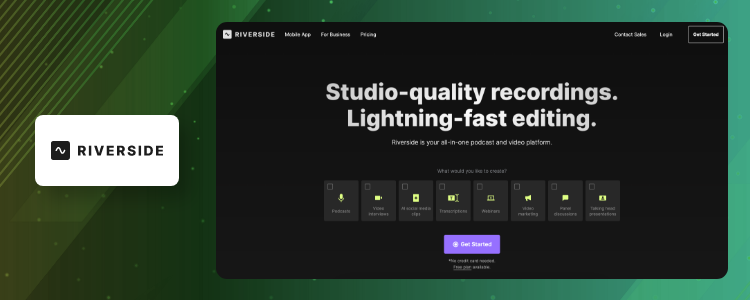
Besides offering top-notch webinar hosting solutions, Riverside has extended its capabilities to podcasting and live streaming as well.
Whether you are a novice creator or a professionalite, Riverside can help you broadcast live and automated webinar sessions to users, in high quality. You also get the option to record videos.
What are the platform’s key takeaways?
- Recording
- Live Streaming
- Transcriptions
- Video editing
- Screen sharing
What are its merits?
- They are quite affordable than their peers.
- Gives the ability to store files locally.
What makes them short amongst others?
- At times users face glitches while broadcasting videos.
- Makes it difficult to retrieve videos.
How much are they priced?
Riverside, by far, provides the most accessible pricing solutions to users, which also has a free plan under its list. The base plan starts from $15/month.
9. Streamyard
A Live Webinar Portal Redefining Communication
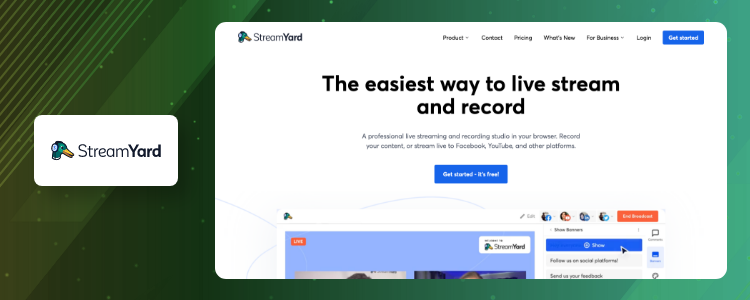
Streamyard has many products in its repository of which, Streamyard On-Air is a by-product that gives creators a platform to host live webinars, events, or streams, or simply embed it into the website.
Though it resembles much similar to YouTube Live, it has all the required features of the top webinar platforms. Besides these, it gives options to interview guests, share screens, show up comments, brand content, and do much more.
What are the platform’s key takeaways?
- Brand customizations
- Live streaming
- Multistreaming
- Moderation
- Permissions and controls
What are its merits?
- Streamyard offers an intuitive UI for admins and hosts.
- With this platform, you can easily add banners, images, and slides to webinars.
- Viewers can have access to live comments.
What makes them short amongst others?
- There are not many options to add background visual effects.
- Does not offer polling feature.
How much are they priced?
The pricing for Streamyard’s features starts at $20 per month.
10. Livestorm
Hosting Platform Fostering Powerful Engagements
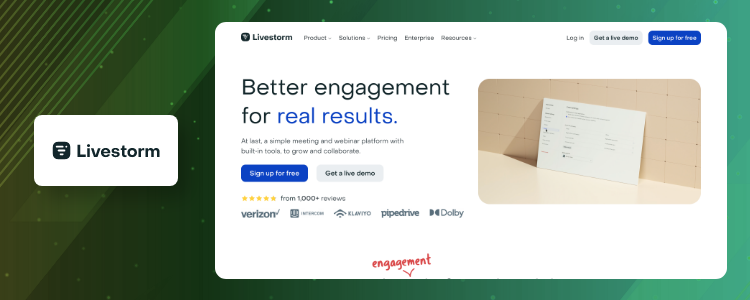
Livestorm is considered to be the best webinar platform for steady engagement and audience reach. It helps creators to achieve these with strong interaction capabilities and engaging presentations.
Further, they give you analytics options to track down your performance, likes received, and views in your session.
What are the platform’s key takeaways?
- On-demand webinars
- Live streaming
- Analytics
- Multi-language support
- Virtual events
What are its merits?
- Co-hosting and automating email options are available.
- Ability to add more than one webinar to an existing session.
- Has a simple to use UI.
What makes them short amongst others?
- Their webinar hosting seems to be outdated than the rest.
- Not able to switch screens during a webinar session.
How much are they priced?
Live Storm has kept pricing very simple by adding two tiers. Their premium plan is billed at $99/month.
Final Take!
So what say, we have come to the end of the blog post and we hope we helped you in your search for some of the best webinar platforms to date.
If not, make sure that you take into account a platform’s highlights, pros, cons, and pricing before choosing the right one.
Plus, if you feel we missed adding any free webinar platforms to the list, please leave us a comment below. Till then, happy reading!








Leave a Reply